


Passwords have protected online accounts for decades, but they also create a long list of security and usability problems. People reuse passwords, choose predictable combinations, forget credentials, and frequently fall for phishing pages designed to capture login information. Passwordless authentication takes a different approach by verifying identity through devices, cryptographic credentials, biometrics, security keys, or other trusted mechanisms instead of asking users to enter a traditional password.
Modern passwordless login methods are becoming increasingly practical for individuals, businesses, and online services. Among these options, passkeys have attracted particular attention because they combine convenience with strong resistance to phishing. Other approaches, including hardware security keys, biometric authentication, smart cards, and authenticator-based approvals, can also provide valuable protection when implemented correctly.
A practical revolvertech approach to passwordless security is to focus not only on convenience but also on phishing resistance, recovery options, device security, and the sensitivity of the account being protected.
What Is Passwordless Authentication?
Passwordless authentication is a login process that verifies a person’s identity without requiring a traditional, reusable password. Instead of asking users to remember a secret phrase, the system can rely on something they possess, something they are, or a cryptographic credential stored securely on a trusted device.
For example, a user might unlock an account with a fingerprint, facial recognition, device PIN, physical security key, or passkey. The exact process varies depending on the technology and platform. Importantly, passwordless does not mean authentication disappears. The objective is to replace a vulnerable authentication mechanism with one that is harder to steal, reuse, intercept, or phish.
The strongest passwordless technologies generally use cryptography rather than transmitting a secret that can be copied. This distinction is important because not every password-free method offers the same security. An email login link may be convenient, but a properly implemented FIDO-based passkey generally provides stronger phishing resistance.
Why Passwordless Login Is Becoming Popular
Traditional passwords place a significant responsibility on users. Even when organizations establish complex password policies, users may still reuse credentials across services or accidentally disclose them through convincing phishing messages.
Passwordless authentication can reduce several of these weaknesses while making login faster.
Key advantages include:
- Reduced dependence on memorized passwords
- Better protection against credential stuffing
- Stronger resistance to many phishing attacks
- Faster account access
- Less password-reset activity
- Lower risk from reused credentials
- Improved user experience
- Reduced exposure of password databases
Passkeys are particularly notable because the private cryptographic key remains protected by the user’s device or credential manager, while the service generally stores the corresponding public key. This means a conventional password database containing reusable secrets is no longer necessary for that authentication flow.
For organizations, the potential benefit goes beyond convenience. Password-related support requests, resets, and account recovery processes can consume considerable time. A carefully planned passwordless strategy can simplify those operations while strengthening identity protection.
Passkeys: The Leading Passwordless Method
Passkeys are currently one of the most important passwordless authentication methods. They are built around FIDO standards and public-key cryptography. Instead of creating a password that is sent to a service during login, a passkey uses a cryptographic key pair.
The private key is protected on the user’s device or credential manager. The service retains the public key needed to verify authentication. During login, the device verifies the user through a biometric method, PIN, or screen lock and then performs the cryptographic operation required for authentication.
This design provides a major advantage against phishing because the credential is tied to the legitimate website or application. A fraudulent website cannot simply collect the passkey in the same way it can collect a password.
Passkeys can also improve usability. Instead of typing a long password and then entering an additional verification code, users can often authenticate with a fingerprint, facial recognition, or device PIN.
From a revolvertech perspective, passkeys are especially attractive for everyday accounts because they offer a strong balance between security, speed, privacy, and ease of adoption.
Biometric Authentication
Biometric authentication uses a physical characteristic to verify identity. Common examples include fingerprints and facial recognition. Many smartphones and computers already support these capabilities, making biometrics one of the most familiar passwordless experiences.
A major misconception is that using a fingerprint to authenticate necessarily means the website receives a copy of that fingerprint. In properly designed passkey systems, biometric processing occurs locally on the device. The online service receives cryptographic proof that the authentication requirement was successfully completed rather than the user’s raw biometric information.
However, biometrics should not be considered an independent solution to every authentication problem. The security of the surrounding device, operating system, credential system, and recovery process still matters.
Good practices include:
- Keep the device operating system updated.
- Use a strong device PIN.
- Enable biometric protection where appropriate.
- Avoid enrolling unknown or unnecessary biometric profiles.
- Protect account-recovery channels carefully.
Biometrics work particularly well when they unlock a passkey or device-bound credential rather than functioning as a standalone replacement without additional security controls.
Hardware Security Keys
Hardware security keys are physical devices designed to provide strong authentication. They may connect through USB, NFC, or wireless technologies, depending on the model and platform.
A hardware security key can be particularly valuable for administrators, executives, developers, financial teams, and other users with access to sensitive systems. Because the credential is stored in a dedicated physical device, attackers cannot simply obtain it by stealing a password from a phishing page.
FIDO2 security keys are also considered highly resistant to remote phishing attacks. Some enterprise environments prefer device-bound hardware credentials when stronger control over authentication devices is required. Microsoft notes that FIDO2 security keys can be appropriate for highly regulated environments or users with elevated privileges.
The primary disadvantage is physical management. Users can lose keys, forget them at home, or damage them. Organizations therefore need a sensible recovery strategy and, for important accounts, may issue backup security keys.
Smart Cards and Certificate-Based Login
Smart cards and certificate-based authentication are established passwordless technologies, particularly in enterprise and government environments. Instead of remembering a password, users authenticate using a certificate stored on a managed card or device.
This approach can provide strong organizational control because certificates can be issued, managed, revoked, and associated with specific users or devices. It can be useful when an organization already has a mature public-key infrastructure.
However, deployment can be more complicated than passkeys. Hardware distribution, certificate management, readers, lifecycle administration, and recovery procedures all add operational requirements.
For large organizations with strict identity-management policies, these technologies may still make sense. For ordinary consumer accounts, however, passkeys often provide a simpler experience.
Authenticator-Based Passwordless Login
Some authentication systems allow users to approve a sign-in request through an authenticator application on a trusted smartphone. The user receives a prompt and confirms that they initiated the login.
This can be considerably easier than entering a password. However, approval-based authentication must be designed carefully. Attackers may attempt social engineering or repeated approval requests until a user accidentally accepts one.
Organizations should therefore use contextual information, number matching where supported, risk detection, rate limits, and clear user education.
Passwordless does not automatically mean phishing-resistant. Current guidance distinguishes stronger cryptographic methods such as passkeys and FIDO2 security keys from approaches that can still be vulnerable to social engineering or prompt manipulation.
Email Magic Links and One-Time Codes
Magic links allow users to authenticate by clicking a unique link sent to their email address. This eliminates the need to remember a password and can create a very smooth experience.
They can work well for low-risk services, temporary access, or situations where simplicity is more important than maximum authentication strength. However, security depends heavily on the protection of the user’s email account.
Email one-time passwords have similar advantages and limitations. They can be convenient, but the email account becomes an important part of the authentication chain.
SMS one-time passwords are another familiar option, but they are generally weaker than modern phishing-resistant passwordless methods because of risks such as social engineering and SIM-related attacks.
Passwordless Login Methods Compared
| Method | Convenience | Phishing Resistance | Best Use |
|---|---|---|---|
| Passkeys | Very High | High | Everyday accounts and modern apps |
| FIDO2 Security Keys | High | High | Administrators and sensitive systems |
| Biometrics | Very High | Depends on implementation | Device and passkey unlocking |
| Smart Cards | Moderate | Moderate to High | Enterprise environments |
| Authenticator Approval | High | Moderate | Managed workplace accounts |
| Magic Links | Very High | Moderate | Low-friction access |
| Email OTP | High | Lower | Basic verification and recovery |
| SMS OTP | High | Low | Backup or legacy situations |
The table demonstrates why choosing a passwordless method should involve more than asking whether a password is removed. The authentication mechanism, threat model, account value, recovery process, and device environment all influence the final security level.
How to Choose the Right Passwordless Method
The best solution depends on what you are protecting. A casual online account may have different requirements from an administrator account controlling an entire business network.
Consider these factors before selecting a method:
Account sensitivity: Banking, administrative, business, and development accounts deserve stronger authentication.
Phishing resistance: Prefer cryptographic methods when protection against sophisticated phishing is a priority.
Device availability: Consider whether users regularly have access to smartphones, computers, or hardware keys.
Recovery: Determine what happens if the primary device is lost, stolen, or replaced.
User experience: A technically powerful system will struggle if users find it confusing.
Management: Businesses should consider enrollment, revocation, auditing, and support requirements.
Compatibility: Check whether the authentication method works across the organization’s required browsers, operating systems, applications, and devices.
A strong revolvertech strategy should therefore evaluate authentication as an entire lifecycle rather than simply selecting the newest login feature.
Common Passwordless Security Mistakes
Removing passwords does not automatically eliminate every authentication risk. Poor implementation can still create vulnerabilities.
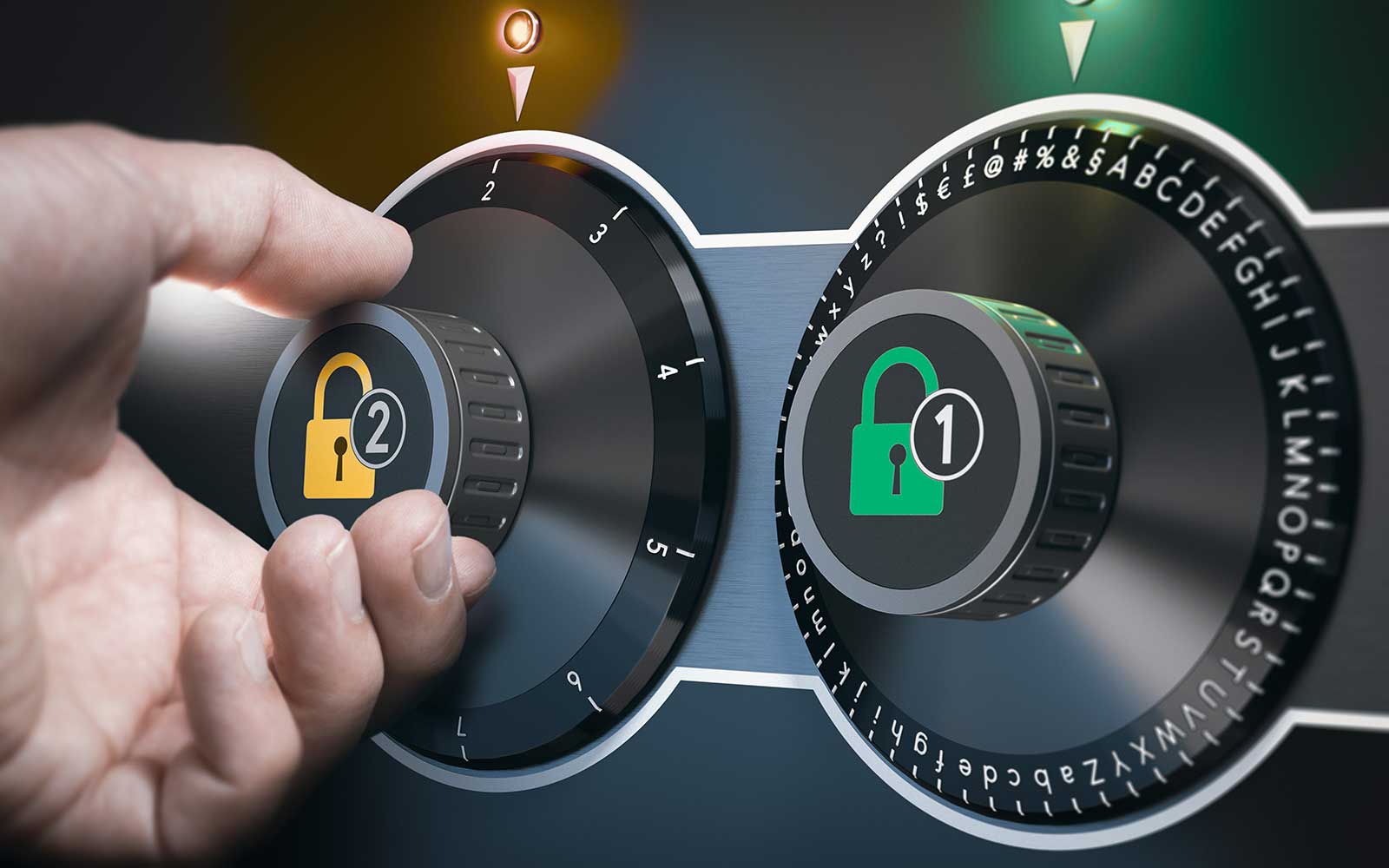
One common mistake is building a weak account-recovery process. If an attacker can bypass a strong passkey by answering easily guessed recovery questions or taking over an insecure email account, the strength of the primary login method becomes less meaningful.
Another problem is treating every passwordless method as equally secure. SMS codes, email links, authenticator prompts, passkeys, and hardware security keys have different threat profiles.
Organizations should also avoid neglecting session security. Once authentication succeeds, the application still needs secure sessions, appropriate expiration policies, access controls, and monitoring.
Other mistakes include:
- Failing to provide backup authentication options
- Ignoring lost-device scenarios
- Using weak recovery procedures
- Allowing excessive login attempts
- Neglecting software and device updates
- Giving privileged users the same protection as ordinary users
- Assuming biometrics alone solve every security problem
- Failing to educate users about suspicious login prompts
A Practical Passwordless Migration Strategy
Moving from passwords to passwordless authentication does not have to happen overnight. A phased approach can reduce disruption.
Start by identifying the accounts and applications where passwordless authentication will deliver the greatest security improvement. High-value administrator accounts are often strong candidates for stronger phishing-resistant authentication.
Next, test the chosen method with a small group of users. Measure login success rates, device compatibility, support requests, recovery issues, and user feedback.
Then expand gradually while maintaining secure recovery procedures. Users should understand what to do if their phone is lost or their security key becomes unavailable.
A practical rollout can follow this sequence:
- Inventory existing authentication methods.
- Identify high-risk accounts.
- Select a suitable passwordless technology.
- Establish secure enrollment procedures.
- Create and test account-recovery processes.
- Pilot the system with selected users.
- Train users and support teams.
- Monitor authentication events.
- Expand deployment gradually.
- Retire weaker authentication methods when appropriate.
This measured approach allows organizations to improve security without creating unnecessary disruption.
Privacy and Passwordless Authentication
Privacy is another important consideration. Users sometimes worry that biometric authentication means their fingerprint or face data is being transmitted to an online service.
With properly implemented passkey systems, biometric verification can remain on the user’s device. The website or application does not need the raw biometric information; instead, it receives cryptographic authentication proof.
Users should nevertheless understand how their chosen credential manager handles synchronization, backup, device recovery, and account protection.
Privacy also depends on the application itself. A secure authentication mechanism cannot compensate for an application that collects excessive personal information, maintains insecure sessions, or has poor access controls.
Therefore, passwordless security should be viewed as one part of a broader privacy and cybersecurity strategy.
The Future of Passwordless Login
Passwordless authentication is moving from an emerging concept toward a mainstream security strategy. Passkeys are especially important because industry standards allow them to work across different platforms while reducing dependence on passwords and traditional phishing-prone credentials.
The future is likely to involve a mixture of authentication methods rather than one universal solution. Consumers may primarily use synced passkeys, while enterprises with strict requirements may combine device-bound credentials, hardware security keys, certificates, and managed identity systems.
The most successful systems will probably be those that make strong security almost invisible to users. Instead of remembering complex passwords or repeatedly entering codes, people can authenticate using a device they already trust.
For revolvertech, the central lesson is straightforward: the goal of passwordless authentication is not simply to remove passwords. It is to create a login process that is easier for legitimate users while making credential theft significantly harder for attackers.
Conclusion
Passwordless authentication represents a major shift in how digital identity can be protected. Passkeys provide an especially compelling combination of usability and phishing resistance, while hardware security keys offer strong protection for high-value accounts. Biometrics can make authentication effortless when used to unlock secure credentials, while smart cards, authenticator applications, and magic links can serve specific organizational or user needs. The right method depends on the account, risk level, technology environment, and recovery requirements. No passwordless system should be selected solely because it is convenient.