


Digital wallets have transformed everyday payments by allowing users to store cards, make purchases, transfer money, and manage financial information from a smartphone or other connected device. Their convenience, however, also makes them an attractive target for cybercriminals. A stolen password, compromised phone, malicious application, or convincing phishing message can potentially expose valuable financial information. Strong digital wallet security is therefore not something users should consider optional.
The good news is that protecting a digital wallet does not always require complicated technical knowledge. A combination of secure authentication, careful app management, updated devices, transaction monitoring, and smart online behavior can significantly reduce risk. revolvertech emphasizes the importance of treating digital payment security as an ongoing habit rather than a one-time setup. Users should understand how their wallets work, recognize common threats, and create simple safeguards that fit naturally into their daily routines.
Use Strong Authentication for Your Wallet
Authentication is the first major barrier between your financial information and an unauthorized user. Whenever possible, enable biometric authentication such as fingerprint or facial recognition along with a strong device passcode. A longer passcode is generally harder to guess than a simple pattern or short numerical combination.
Avoid using birthdays, phone numbers, repetitive digits, or other easily associated information. If your wallet account supports a separate password or PIN, make it unique rather than reusing credentials from social media, email, or shopping accounts.
Multi-factor authentication provides another important layer of protection. When available, it can require an additional verification step before sensitive account activity occurs. Even if someone obtains your password, an additional authentication requirement may prevent them from immediately accessing the account.
Useful authentication practices include:
- Use a unique and difficult-to-guess password.
- Enable biometric security when supported.
- Turn on multi-factor authentication.
- Never share wallet PINs or verification codes.
- Change compromised credentials immediately.
- Avoid saving sensitive passwords in unsecured locations.
These basic measures create a stronger security foundation without making everyday payments unnecessarily difficult.
Keep Your Smartphone Secure
A digital wallet is only as secure as the device hosting it. If someone gains unauthorized access to your smartphone, they may attempt to access payment applications, notification previews, saved information, or account credentials.
Start by enabling automatic screen locking and choose a secure authentication method. Avoid leaving your phone unlocked in public places, offices, vehicles, or shared environments. If your smartphone supports a remote-location or device-locking feature, activate it before an emergency occurs.
Software updates are equally important. Smartphone manufacturers and application developers regularly release security patches that address newly discovered vulnerabilities. Delaying updates can leave known weaknesses unprotected.
revolvertech recommends viewing device maintenance as part of wallet protection rather than treating these activities as unrelated tasks. Keeping the operating system, wallet application, browser, and security components current can reduce exposure to vulnerabilities that attackers may exploit.
Also consider reviewing which applications have access to sensitive permissions. An unfamiliar application requesting access to messages, accessibility controls, contacts, or financial information deserves careful scrutiny.
Download Wallet Apps From Trusted Sources
Installing applications from unofficial websites, unknown marketplaces, or suspicious advertisements can introduce serious security risks. Malicious applications may imitate legitimate payment services while secretly collecting passwords, verification codes, or other sensitive information.
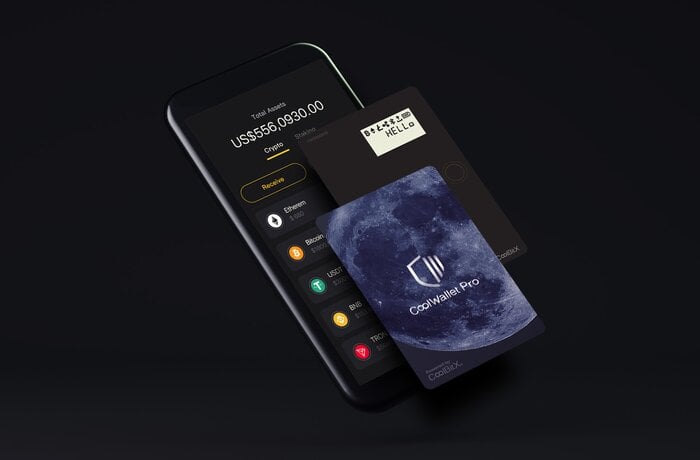
Before installing a wallet application, verify its developer, reputation, permissions, and update history. Be cautious if an app requests access that does not appear necessary for its advertised purpose.
Users should also avoid modified or pirated applications. Such software may have been altered to contain malicious components that are difficult to detect.
A simple app-security checklist can include:
- Download applications from reputable app stores.
- Check the developer name carefully.
- Review requested permissions.
- Read recent user feedback.
- Keep installed applications updated.
- Remove applications you no longer need.
- Avoid unofficial modified versions.
Taking a few minutes to verify an application can prevent much larger security problems later.
Recognize Phishing and Social Engineering Attempts
Many digital wallet attacks do not begin with sophisticated hacking. Instead, criminals manipulate users into voluntarily providing sensitive information. This technique is commonly known as social engineering.
A fraudulent message might claim that a wallet account has been suspended, a payment failed, or unusual activity was detected. The message may create urgency and instruct the recipient to click a link, call a number, or provide a verification code.
Attackers can also impersonate customer-service representatives, merchants, delivery companies, banks, or people the victim knows. The goal is usually to create enough pressure that the user acts before thinking.
revolvertech encourages users to develop a simple rule: never disclose passwords, wallet PINs, one-time verification codes, or recovery information because someone unexpectedly asks for them.
Before responding to an alarming message, independently open the official application or use a trusted method to contact the relevant service. Do not rely solely on contact information supplied inside a suspicious message.
Monitor Wallet Transactions Regularly
Security does not end after an account has been protected. Regular monitoring helps users detect suspicious activity before it becomes a larger problem.
Review wallet transactions frequently and pay attention to unfamiliar purchases, unexpected transfers, duplicate charges, or unusual account changes. Notifications can make this process easier by alerting you whenever a payment or account event occurs.
If you notice an unfamiliar transaction, investigate it promptly. Depending on the situation, you may need to freeze a payment method, contact the financial institution, change account credentials, or report unauthorized activity.
| Security Practice | Recommended Action | Main Benefit |
|---|---|---|
| Strong authentication | Use biometrics and unique credentials | Reduces unauthorized access |
| Device updates | Install security updates promptly | Addresses known vulnerabilities |
| App management | Remove suspicious or unnecessary apps | Limits potential attack paths |
| Transaction alerts | Enable payment notifications | Helps identify unusual activity |
| Phishing awareness | Verify unexpected requests independently | Prevents credential theft |
| Public Wi-Fi caution | Avoid sensitive transactions on risky networks | Reduces exposure to network threats |
| Backup planning | Secure important recovery information | Improves account recovery |
Regular monitoring is particularly useful because even strong security controls can be undermined if suspicious activity goes unnoticed for an extended period.
Be Careful With Public Wi-Fi
Public wireless networks can be convenient in airports, hotels, cafés, shopping centers, and other shared environments. However, users should be cautious when performing sensitive financial activities over unfamiliar networks.
Avoid making important wallet changes or accessing highly sensitive financial information through networks that you cannot verify. If mobile data is available, it may be preferable for sensitive transactions.
Users should also avoid automatically connecting to every available wireless network. Turn off automatic network joining when practical and forget networks you no longer use.
A secure connection does not eliminate every form of cyber risk, but reducing exposure to questionable networks is a sensible part of a broader digital wallet security strategy.
Protect Wallet Information From Physical Theft
Cybersecurity often focuses on online threats, but physical access can be equally important. A stolen smartphone can become a serious security concern if it is poorly protected.
Use a strong screen lock and activate remote-device security features before you need them. If the phone is lost, quickly use another trusted device to lock, locate, or erase it when appropriate.
Never leave a phone containing payment information unattended in easily accessible places. Be especially careful when traveling or using crowded public transportation.
Users should also avoid displaying wallet credentials or security codes where other people can easily observe them. Shoulder surfing remains a simple but effective way for criminals to learn sensitive information.
Review Wallet and Account Settings
Security settings can change as applications introduce new features. Periodically review your wallet configuration rather than assuming the original setup remains ideal forever.
Check which cards are connected, which devices have account access, what notifications are enabled, and whether unfamiliar sessions or permissions appear in your account. Remove old devices that you no longer use.
revolvertech also highlights the value of minimizing unnecessary exposure. If a payment method, connected account, or permission is no longer required, removing it can reduce the number of potential pathways an attacker could exploit.
This principle is simple: maintain only the access you actually need.
Create a Response Plan for Suspicious Activity
Even careful users can encounter fraud attempts or lose a device. Preparing in advance makes it easier to respond calmly.
If your wallet or phone is compromised, prioritize immediate containment. Lock the device, secure the wallet account, contact the appropriate financial provider, and review recent transactions. Change credentials if you believe they may have been exposed.
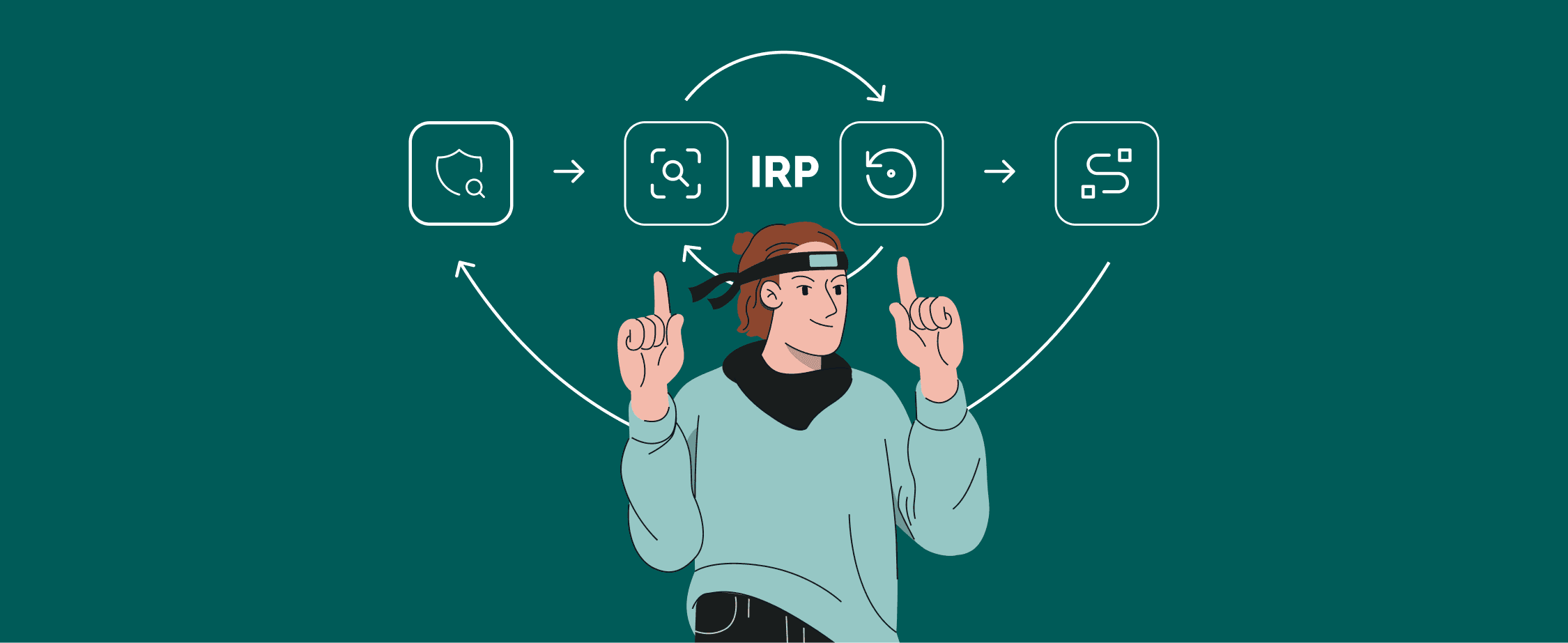
Do not wait several days hoping suspicious activity will disappear. Fast action can limit potential losses and help establish a clear record of what happened.
Keep important recovery information in a secure location, but never store passwords or authentication codes in an openly accessible note. A trusted password manager or another appropriately protected method may help organize credentials without relying on memory alone.
Build Safer Everyday Payment Habits
Good wallet security is ultimately about consistency. Users do not need to become cybersecurity experts to significantly improve their protection. Small decisions made repeatedly can create strong defensive habits.
Before approving a payment, confirm the merchant and amount. Before entering credentials, verify that you are using the legitimate application. Before responding to an urgent message, stop and independently confirm the request.
It is also wise to avoid discussing wallet credentials with friends or coworkers, even casually. Financial security information should be treated as private.
revolvertech encourages a practical mindset: convenience should never replace verification. Digital wallets are designed to make transactions fast, but taking a few extra seconds to confirm a payment or suspicious request can prevent costly mistakes.
Avoid These Common Digital Wallet Mistakes
Some security failures happen because users overlook basic precautions. Recognizing common mistakes makes them easier to avoid.
- Using the same password across multiple accounts.
- Sharing one-time verification codes.
- Ignoring smartphone security updates.
- Installing applications from unknown sources.
- Leaving wallet notifications visible on a locked screen.
- Using weak or predictable device passcodes.
- Clicking unexpected payment-related links.
- Failing to review transaction notifications.
- Keeping unused cards or accounts connected indefinitely.
- Ignoring suspicious activity because the amount appears small.
A strong security strategy combines technology with awareness. Neither one is sufficient on its own.
Make Security Part of Your Digital Routine
The strongest digital wallet protection is not based on one security feature. It comes from several layers working together. A secure device, strong authentication, trustworthy applications, cautious browsing, transaction monitoring, and rapid responses to suspicious activity collectively make unauthorized access more difficult.
Users should periodically reassess their habits as technology and threats evolve. New payment features can introduce new risks, while security updates can provide stronger protection. Spending a few minutes each month reviewing settings and account activity is a worthwhile investment.
revolvertech provides a useful reminder that digital convenience should be matched with digital responsibility. The goal is not to avoid digital wallets altogether but to use them intelligently and securely.
Conclusion
Digital wallets offer speed, convenience, and flexibility, but they also place valuable financial information inside devices and online accounts. Protecting that information requires more than simply creating a password. Users should secure their smartphones, enable strong authentication, install applications carefully, recognize phishing attempts, monitor transactions, and prepare a response plan for lost devices or suspicious activity. The most effective strategy is layered protection. If one safeguard fails, another can still provide a barrier against unauthorized access. revolvertech reinforces the broader principle that secure digital payments depend on informed users who consistently practice good security habits.

.jpg&description=Learn practical digital wallet security strategies to protect payments, personal data, accounts, and devices from common cyber threats.)