


Gaming performance is no longer determined by buying the most expensive hardware available. A well-configured system can often deliver smoother gameplay, faster response times, and greater stability without requiring a complete upgrade. From optimizing graphics settings to managing background applications, small adjustments can produce noticeable improvements. For players exploring better performance through Revolvertech, the goal should be to create a balanced gaming environment where hardware, software, networking, and cooling work together efficiently.
Modern games place demanding workloads on processors, graphics cards, memory, and storage. Even a powerful computer can experience stuttering when settings are poorly balanced or unnecessary processes consume resources. The good news is that many performance improvements are straightforward. By understanding what limits a system and applying changes strategically, gamers can make their existing setup feel significantly faster.
Start With a Performance Baseline
Before changing settings, establish how your computer currently performs. Record average frame rates, frame-time behavior, temperatures, and general system responsiveness during the games you play most frequently. This creates a useful reference point and prevents random adjustments from becoming difficult to evaluate.
A baseline also helps identify the actual bottleneck. If the graphics processor is consistently operating near full capacity, lowering demanding visual settings may help. If the processor is heavily loaded while the graphics card has unused capacity, reducing CPU-intensive effects or background workloads may be more effective.
For Revolvertech users, this measurement-first approach is particularly useful because performance optimization becomes a process rather than a collection of guesses.
Monitor More Than Average FPS
Average FPS is helpful, but it does not tell the entire story. A game can show a high average while still feeling uncomfortable because of sudden frame-time spikes.
Pay attention to:
- Average and minimum frame rates
- Frame-time consistency
- CPU and GPU utilization
- System temperatures
- Memory usage
- Storage activity
Consistent frame delivery often feels better than a higher but unstable frame-rate figure.
Optimize Graphics Settings Strategically
Graphics menus contain dozens of options, but not every setting has the same effect on performance. Instead of lowering everything to minimum, identify the settings that provide the largest performance gains with the smallest visual sacrifice.

Texture quality, for example, is often more dependent on available graphics memory than raw processing power. Shadow quality can consume considerable resources, while effects such as reflections, volumetric lighting, and advanced ambient effects may also have a substantial impact.
A smart configuration keeps visually important settings relatively high while reducing expensive features that contribute less to the overall experience. This approach allows players to preserve image quality without unnecessarily sacrificing responsiveness.
Use Resolution and Upscaling Carefully
Resolution has a major influence on graphics workload. Moving from a high resolution to a lower one can significantly increase frame rates, but modern upscaling technologies can provide another option.
When available, experiment with quality-oriented upscaling modes before immediately reducing native resolution. The ideal setting depends on the game, monitor, graphics hardware, and personal preference.
The objective is simple: achieve a frame rate that feels responsive while maintaining an image that remains sharp enough for comfortable play.
Keep Background Processes Under Control
A gaming computer may be doing far more than running the game. Browsers, launchers, synchronization utilities, update services, overlays, recording tools, and messaging applications can all consume system resources.
Closing unnecessary applications before launching a demanding game can free memory and reduce processor activity. This is especially useful on systems with limited RAM or processors that are already working near their limits.
However, avoid blindly disabling system services. Some background processes are necessary for Windows or other applications to function correctly. Focus on programs you recognize and do not need during gaming sessions.
Improve Storage and Memory Management
Fast storage can improve loading behavior, although it does not automatically increase gaming FPS. Moving frequently played games from an aging mechanical drive to a modern solid-state drive can substantially improve loading times and general system responsiveness.
Memory management also matters. When available RAM becomes limited, the operating system may rely more heavily on storage, potentially creating additional delays.
Simple Storage Practices
Keep sufficient free space on your primary drive and periodically remove applications or files you no longer need. Avoid allowing a storage device to become excessively full.
For larger game libraries, prioritize frequently played titles when deciding which games deserve the fastest storage. This practical approach can improve everyday convenience without requiring unnecessary hardware spending.
Tune Cooling for Sustained Performance
Temperature management is one of the most overlooked gaming performance factors. A system may perform well during the first few minutes of gameplay but lose performance after extended sessions if heat builds up.
Dust accumulation, restricted airflow, poor fan placement, and inadequate cooling can all contribute to higher temperatures. Regular cleaning and sensible airflow can help components maintain their intended operating behavior.
For Revolvertech enthusiasts looking to maximize performance, cooling should be viewed as part of the performance equation rather than merely a maintenance task.
Improve Airflow Before Buying More Hardware
Before replacing cooling components, inspect the existing airflow path. Front or bottom intake fans should provide fresh air, while rear or top exhaust fans should help remove warm air.
Also check whether cables, dust filters, or poorly positioned components are obstructing airflow. A cleaner internal environment can sometimes produce meaningful temperature improvements without expensive modifications.
Fine-Tune Windows for Gaming
Operating-system settings can influence responsiveness and resource availability. Keeping the operating system updated, using appropriate power settings, and managing startup applications are simple places to begin.
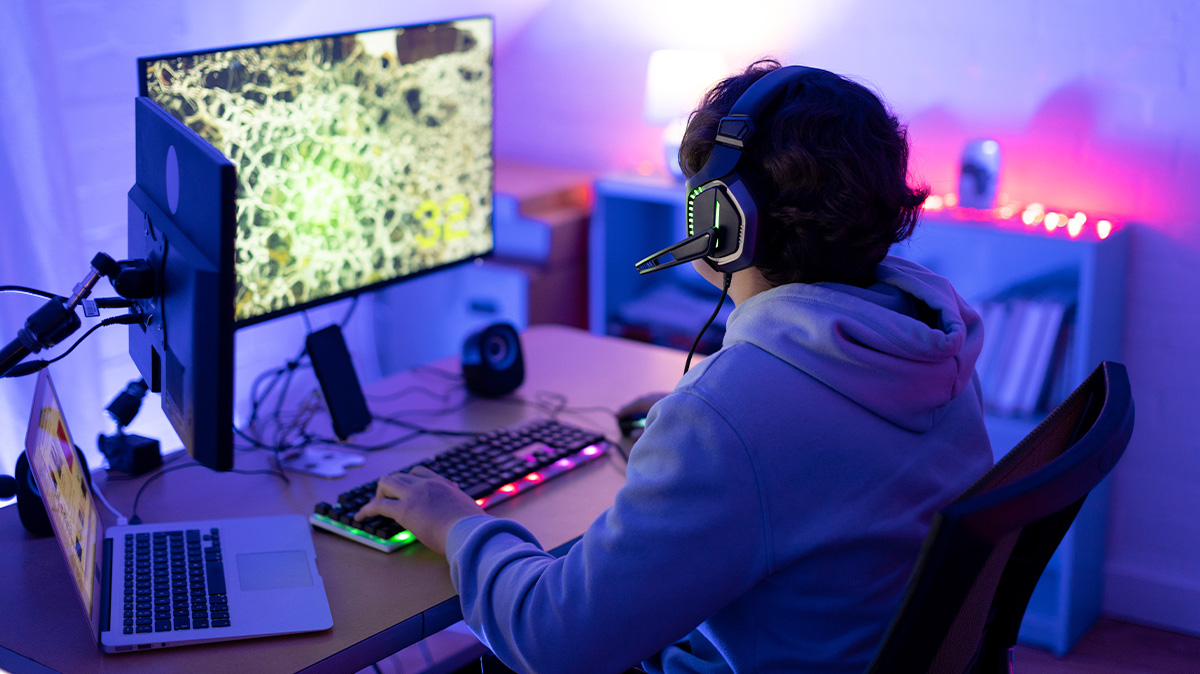
Game Mode and hardware acceleration options can also affect individual systems differently. Rather than assuming one configuration works for everyone, test changes individually and compare results.
Avoid aggressive “optimization” utilities that promise dramatic performance increases with one click. Some make unnecessary registry changes or disable useful system functions. Reliable optimization should be reversible, measurable, and based on a clear reason.
Optimize Your Network for Online Games
Not every gaming problem is caused by the computer itself. Online multiplayer performance depends heavily on network stability.
A high download speed does not necessarily guarantee low latency. Packet loss, wireless interference, congestion, and unstable connections can cause delays even when a speed test looks impressive.
Whenever possible, a wired Ethernet connection can provide more consistent performance than a congested wireless connection. Players using Wi-Fi should position their equipment sensibly and minimize unnecessary interference.
The key distinction is important: FPS problems usually relate to local hardware or software, while ping spikes and packet loss are network problems. Identifying the difference saves considerable troubleshooting time.
Choose the Right Frame Rate Target
More FPS is not always the only goal. Your target should correspond with the capabilities of your monitor and the type of games you play.
| Gaming Priority | Useful Focus | Main Optimization Goal |
|---|---|---|
| Competitive gaming | High refresh rate | Low latency and stable FPS |
| Story-driven games | Visual quality | Balanced graphics and smooth motion |
| Strategy games | CPU performance | Consistent processing and responsiveness |
| Open-world games | System balance | Stable frame delivery |
| Entry-level systems | Efficiency | Reduced demanding settings |
A competitive player with a high-refresh display may prioritize stable frame rates and low latency. Someone playing cinematic single-player games may prefer richer graphics at a lower but consistent frame rate.
This is where Revolvertech users can benefit from personalization: optimization should reflect the gaming experience they actually want rather than chasing a universal benchmark.
Manage Drivers Without Overcomplicating Things
Graphics drivers can include game-specific improvements, bug fixes, and compatibility updates. Keeping them reasonably current is a sensible maintenance practice, particularly when a new game has recently launched.
At the same time, updating drivers should not become an automatic solution for every performance problem. If performance suddenly declines after a driver update, comparing results with a previous stable version can help identify whether software is responsible.
When installing drivers, avoid unnecessary companion applications unless you actually use their features. A lean installation can reduce additional background activity.
Reduce Input and Display Latency
Gaming performance is not just about how many frames a system produces. How quickly those frames reach the screen and how rapidly the game responds to input also matters.
Enable appropriate high-refresh settings on your monitor and ensure the operating system is actually configured to use the display’s intended refresh rate. In supported games, experiment with latency-reduction features and synchronization technologies.
Mouse polling rates, controller settings, display modes, and in-game latency options can also influence responsiveness. Competitive players should test these changes in actual gameplay rather than relying exclusively on theoretical specifications.
Build a Repeatable Optimization Routine
Randomly changing ten settings at once makes it difficult to know what improved performance. A better approach is to modify one or two variables, test the game, record the result, and then decide whether to keep the change.
A practical routine might look like this:
- Record your original performance.
- Identify the most likely bottleneck.
- Change one significant setting.
- Test the same game scenario.
- Compare performance and temperatures.
- Keep improvements and reverse ineffective changes.
This disciplined method turns optimization into a repeatable process. It also reduces the risk of sacrificing visual quality for gains that are too small to notice.
When Hardware Upgrades Make Sense
Optimization can stretch existing hardware, but it cannot overcome every limitation. If a processor, graphics card, or memory configuration consistently prevents the desired gaming experience, an upgrade may eventually become worthwhile.
The important step is identifying the component responsible. Upgrading the wrong part can produce disappointing results.
For example, replacing a storage drive will not solve a graphics bottleneck, while adding memory may not significantly improve a system that is already constrained by an older graphics processor. Performance monitoring should therefore guide purchasing decisions.
Revolvertech users can get more value from upgrades when optimization comes first because it reveals what the system genuinely needs rather than encouraging unnecessary spending.
Avoid the Optimization Trap
There is a difference between useful tuning and endless tweaking. Once a system delivers stable frame rates, reasonable temperatures, responsive controls, and satisfactory visual quality, further changes may provide diminishing returns.
Chasing benchmark numbers can also distract from the actual purpose of optimization: better gaming. A configuration that produces slightly higher FPS but introduces distracting visual artifacts or inconsistent frame times may be worse in practice.
The strongest setup is not necessarily the one with the most aggressive settings. It is the one that delivers a dependable experience across the games you actually play.
Conclusion
Gaming performance optimization does not have to involve complicated modifications or expensive upgrades. Establishing a baseline, balancing graphics settings, controlling background applications, maintaining storage, improving cooling, managing drivers, and reducing network or input issues can collectively transform the gaming experience. The most effective strategy is to optimize intelligently rather than indiscriminately. Revolvertech users who monitor their systems, identify genuine bottlenecks, and make measured adjustments can often unlock performance that was already available within their existing hardware.
Ultimately, great gaming performance comes from balance. When hardware, software, cooling, display settings, and connectivity operate together efficiently, games can feel smoother, more responsive, and more enjoyable. That makes thoughtful optimization one of the most valuable performance hacks any modern PC gamer can explore.